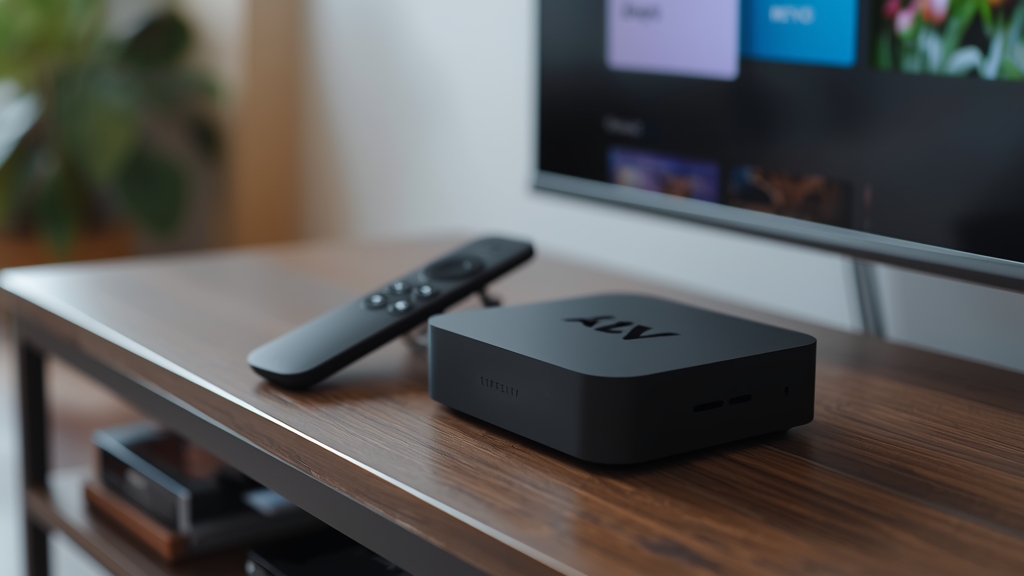
Why Roku is different from Fire TV or Android
Roku's Channel Store is curated far more tightly than Amazon's or Google's app stores, and it doesn't allow sideloading APKs the way Fire TV or Android TV does. That rules out most dedicated IPTV player apps like TiviMate or IPTV Smarters Pro directly on the Roku itself.
Option 1: Use a Roku-compatible player from the Channel Store
A small number of general-purpose IPTV/M3U player channels are available directly in the Roku Channel Store. Search "IPTV" in the store, install one, and enter your M3U playlist URL or Xtream Codes credentials from your welcome message the same way you would on any other device.
Option 2: Screen-mirror from a phone or laptop
If no Channel Store app suits you, casting works reliably: install a full-featured IPTV player on your phone or laptop, then use Roku's built-in screen mirroring (Settings → System → Screen mirroring) to send that screen to your TV. It uses more of your phone's battery and processing than a native app would, but it gives you access to any player, not just Roku-approved ones.
Should you just buy a different device instead?
If IPTV is your primary use case rather than an occasional add-on to a Roku you already own, a Fire TV Stick or Android TV box will be considerably less friction long-term — see our Firestick vs Android box comparison. Keep the Roku for the other apps it already handles well and add a second inexpensive device just for IPTV.
Troubleshooting Roku-specific playback issues
- Restart the Roku fully (Settings → System → System restart) if a Channel Store IPTV app freezes on load
- Use a wired Ethernet adapter if your Roku model supports one — Roku Wi-Fi antennas are modest
- Lower stream quality one notch for smoother mirroring from an older phone
Not sure which approach fits your Roku model? Message us on WhatsApp and we'll point you to the right player for your exact device.