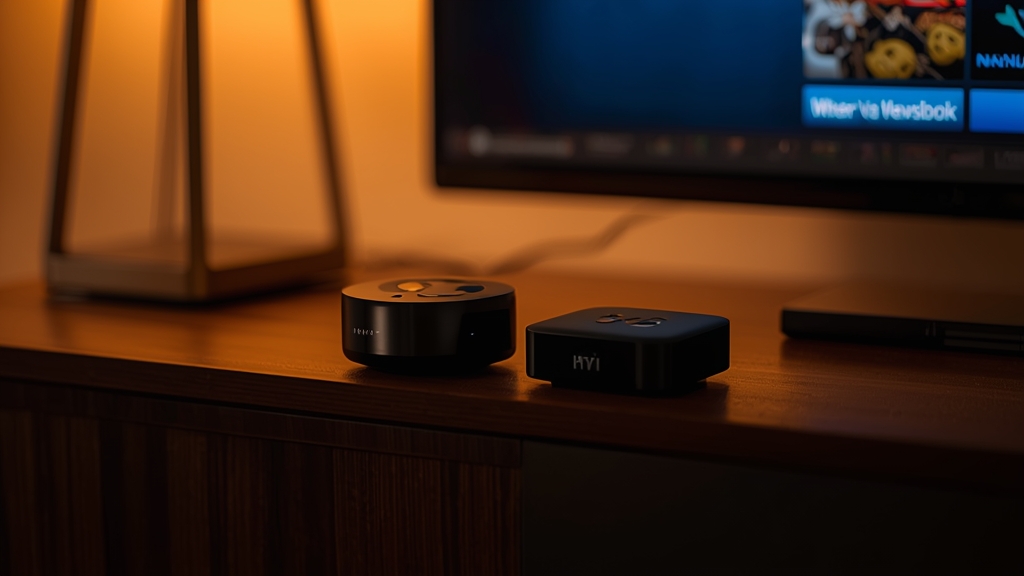
Hardware differences that actually matter for IPTV
The Fire TV Cube has noticeably more RAM and a faster processor than any Fire TV Stick model, which translates directly into a snappier EPG, faster channel switching, and better handling of large channel lists without lag — the same advantages covered generally in our Firestick setup guide, just amplified.
Ethernet without an adapter
The Fire TV Cube has a built-in Ethernet port; the Fire TV Stick 4K/4K Max requires a separate adapter (or Amazon's Ethernet-enabled power cable accessory) to go wired. If you plan to hardwire your streaming device for the most reliable IPTV performance — the single most effective fix in our buffering fixes guide — the Cube saves you buying an extra accessory.
Do you need the Cube's extra features?
The Cube also adds a built-in Alexa speaker and, on some models, an IR blaster to control your TV and soundbar with voice alone. Neither of these directly improves IPTV playback quality — they're convenience features layered on top of the same underlying Fire TV software both devices run.
Price vs benefit for IPTV specifically
For a single average-sized channel list watched mostly in FHD or occasionally 4K, the Fire TV Stick 4K Max is genuinely sufficient and considerably cheaper. The Cube's extra headroom becomes worth paying for mainly if you run a very large channel list, use a feature-heavy player app like TiviMate with many favorites and EPG data loaded at once, or want built-in Ethernet without buying an adapter separately.
Bottom line recommendation
- Casual or moderate use, budget-conscious: Fire TV Stick 4K Max
- Heavy user, large channel lists, want built-in Ethernet: Fire TV Cube
- Considering a non-Amazon device entirely: see our Firestick vs Android box comparison
Not sure which fits your setup? Message us on WhatsApp and we'll recommend based on your channel list size and typical viewing habits.